Seleccioni el seu idioma


 RSMembership! Stripe
The RSMembership! Stripe Payment Plugin allows you to pay for memberships using Stripe payment gateway.


The RSMembership! Stripe Payment Plugin enables your potential customers to pay for memberships via Stripe thus extending the default Wire transfer functionality.
The integration uses the standard Stripe website payment method, the customer will be redirected to the Stripe page when the form is submitted where he will need to enter credit/debit card values and manually approve the transaction.
Downloading and Installing the plugin
Download
You can download the plugin by logging with your purchase user, then head to Downloads > My Downloads > RSMembership! - view all plugins and modules > RSMembership! Files > Plugins > "Payment Plugin - Stripe".

Install
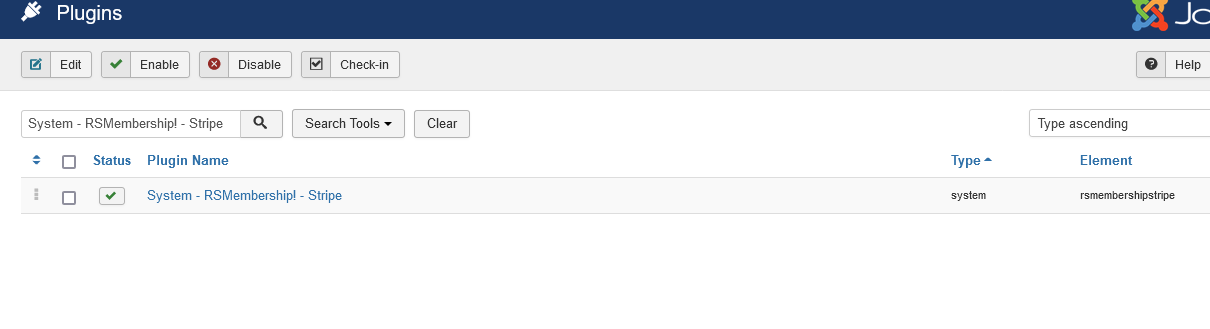
In the backend area go to the Extensions > Manager > Install page, and install the plugin. Next thing is to publish the plugin from Extensions > Plug-in Manager, search for the "RSMembership! - Stripe" plugin and publish it.
Plugin Configuration
To configure the plugin, head to Extensions >> Plugin Manager >> look for System - RSMembership! - Stripe and edit it.
You'll notice that there are 2 configuration tabs:
The Plugin tab
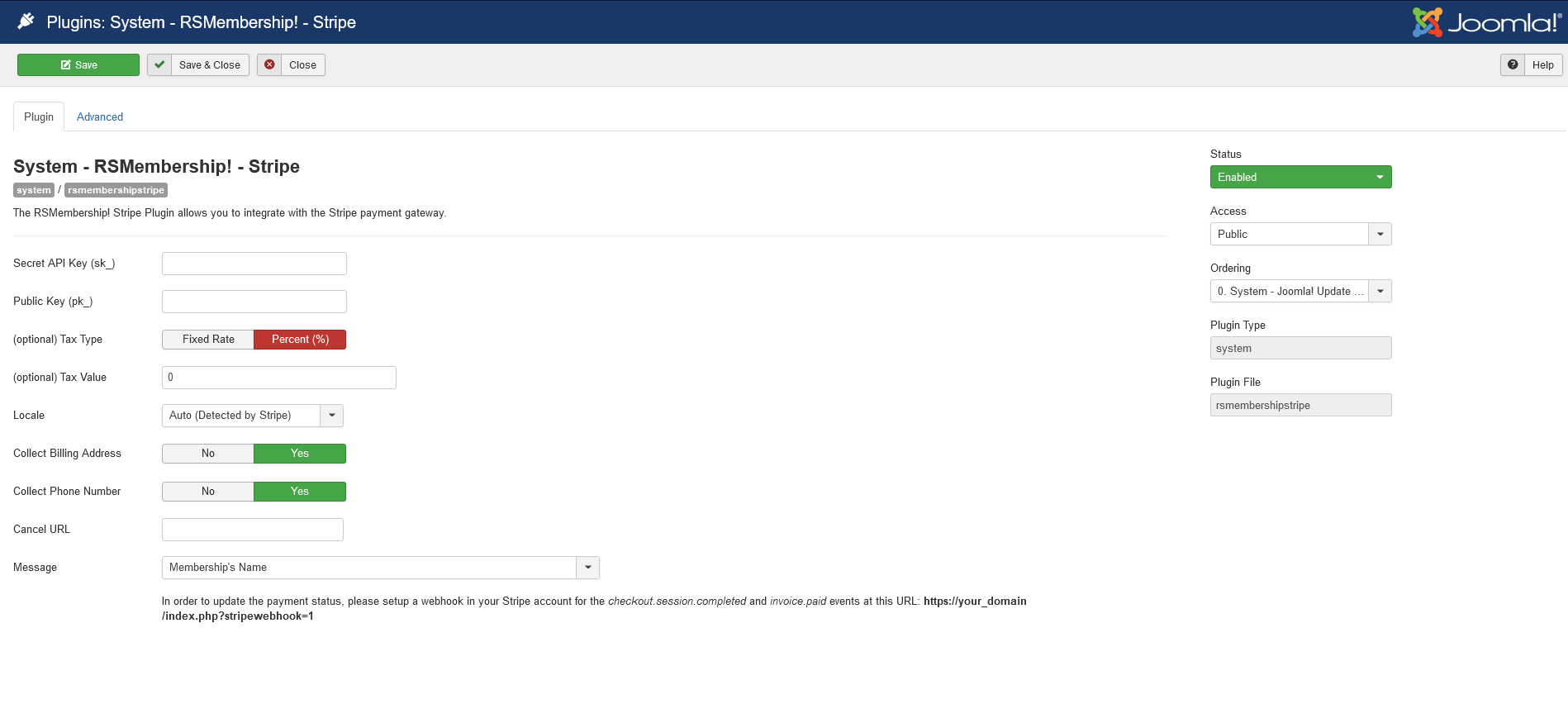
The following general configuration options are present in this tab:
- Secret API Key (sk_): this should be located in your Stripe account settings (more details).
- Public Key (pk_): this should be located in your Stripe account settings (more details).
- (optional) Tax Type: Percent (%) / Fixed Rate - if you wish, you can charge an additional tax. Choose whether the tax is represented by a percentage of the total value or by a fixed rate.
- (optional) Tax Value: works in conjunction with the Tax Type field. Specify a value that will be regarded either as a percentage or a fixed rate.
- Locale: Display the payment window in the user's preferred language, if available. English will be used by default.
- Collect Billing Address :Yes / No - Specify whether the billing address should be collected in the payment window.
- Collect Phone Number :Yes / No - Specify whether the phone number should be collected in the payment window.
- Cancel URL : The URL the customer will be directed to if they decide to go back to your website.
- Message: Standard "Membership purchase on date" Text / Membership's Name - this is what the user will see in his shopping cart.
The Advanced tab
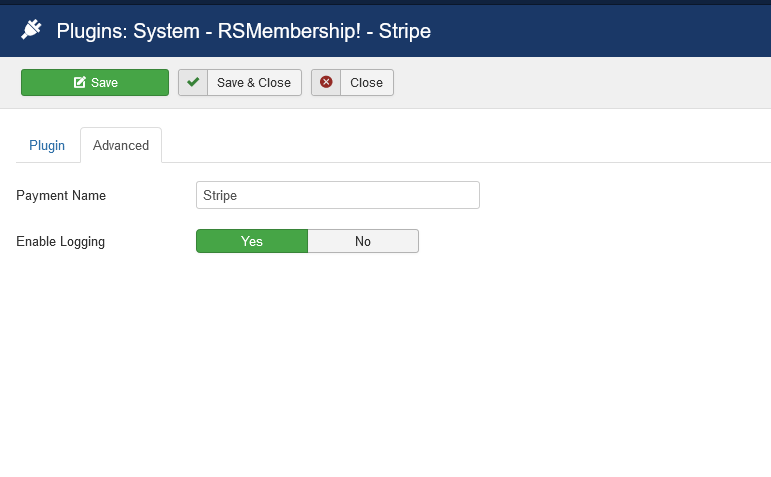
Two configuration options are present here:
- Payment Name: defaulted to Stripe, this is the name that gets displayed when choosing the payment option during the checkout process.
- Enable Logging:Yes / No - If you set this to Yes, a log will be created in the Joomla! logs folder everytime the gateway API replies.